*That mystery number lighting up your iPhone doesn’t have to interrupt dinner, work, or anything else you’re doing.
Apple offers a Call Screening feature that asks unknown callers to identify themselves before your phone rings. The feature gives you more control without automatically sending every unfamiliar number to voicemail. To activate it, open Settings, tap Apps, select Phone, then choose Screen Unknown Callers. Select Ask Reason for Calling.
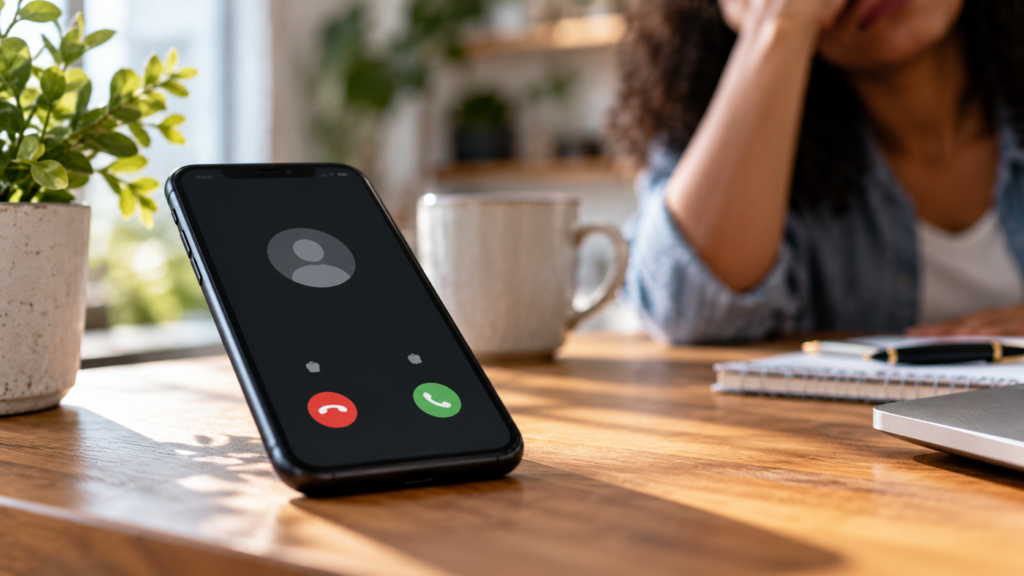
Your iPhone then screens calls from numbers it doesn’t recognize. The caller must provide a name and reason for calling before the phone alerts you. According to Apple’s support guide, the phone presents the caller’s response before you decide whether to answer.
There’s also a more aggressive option for people who don’t want unknown numbers interrupting them. Under Screen Unknown Callers, select Silence. Your iPhone will send calls from unsaved numbers to voicemail instead of letting them ring. That option comes with an obvious downside. Your doctor’s office, child’s school, delivery driver, or another legitimate caller might use a number you haven’t saved.
Scroll to continue reading









Apple recommends adding important numbers to your Contacts before silencing unknown callers.
Your iPhone also offers a separate tool for suspected spam. Under Settings → Apps → Phone → Call Filtering, users can enable Spam. That feature relies on your carrier to identify potential spam or fraud calls. The iPhone then silences those calls, sends them to voicemail, and places them on a Spam list. Users can review filtered calls through the Phone app.
Call Screening also includes an emergency safeguard. Apple says the feature automatically turns off for 24 hours after you contact emergency services. That allows emergency responders calling from unfamiliar numbers to reach you.
For people drowning in robocalls, Ask Reason for Calling may offer the best compromise. Legitimate callers can still reach you, while questionable callers must explain themselves before getting your attention.
MORE NEWS ON EURWEB.COM: Here’s How to Block Robocalls on iPhone, Android
We Publish Breaking News 24/7. Don’t Miss Out! Sign up for our Free daily newsletter HERE.